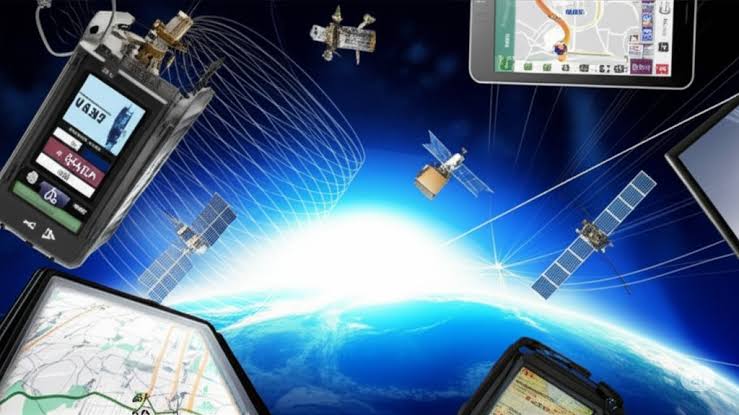
A vehicle GPS system that suddenly loses position, jumps to nearby roads, or takes too long to locate the car may simply be struggling to receive satellite signals. Parking garages, tunnels, tall buildings, mountains, dense tree cover, certain windshield materials, and temporary software faults can all interfere with positioning.
Test the System in an Open Area
Before changing navigation settings, move the vehicle somewhere with a broad view of the sky. A surface parking area is a better test location than a garage, narrow downtown street, or covered structure.
Give the navigation system a few minutes to establish its position. Systems that have been powered off for a long period or moved a significant distance while inactive may take longer to recover an accurate location.
General vehicle troubleshooting information can help put navigation problems in context, but environmental reception should be tested before deeper vehicle diagnosis begins.
Separate GPS Errors From Map Errors
A navigation screen can be wrong for more than one reason. If the vehicle marker is physically positioned in the wrong place, satellite reception or positioning may be involved.
If the marker is accurate but a road, address, or route is missing, outdated map data becomes a stronger possibility. Updating maps won’t repair a damaged antenna, while replacing an antenna won’t correct an old map database.
Drivers following automotive technology topics can benefit from making this distinction because modern navigation may blend GPS data with wheel-speed information, phone data, online traffic services, and internal sensors.
| Navigation Problem | Likely Area | Useful Test |
|---|---|---|
| Position jumps | GPS reception | Move outdoors |
| Missing road | Map database | Check updates |
| Works outside only | Signal obstruction | Inspect environment |
| Always offset | Calibration/software | Restart navigation |
Inspect Anything That May Block Reception
Consider whether anything changed shortly before the problem started. Metallic windshield film, electronic accessories, roof equipment, or modifications near an antenna can sometimes interfere with reception.
Factory GPS antennas may be installed in the roof area, dashboard, or another location depending on the vehicle. Don’t disassemble trim merely to find the antenna unless service information confirms its position.
For faults accompanied by other electronic problems, vehicle electrical references may help explain how navigation hardware connects with the wider vehicle network. A GPS-only complaint should still begin with simpler reception and software checks.
Restart Navigation and Connected Devices
Restart the infotainment system using the manufacturer’s recommended procedure. If navigation is being provided through a phone, restart the phone and confirm its location permissions.
For smartphone projection systems, test the phone’s own maps outside the vehicle. If the phone also struggles to determine location, the problem may not originate in the car.
Where GPS Troubleshooting Often Goes Wrong
One common mistake is expecting perfect positioning inside locations where satellite reception is naturally weak. A system losing location in a tunnel but recovering after exit may be behaving normally rather than failing.
Another mistake is blaming satellites when only one map application is inaccurate. Compare the built-in navigation system with a second source where possible. Persistent position errors in open areas are much more useful diagnostically than occasional problems beneath heavy cover.
Frequently Asked Questions
Why does my car GPS fail in parking garages?
Satellite navigation needs usable signals from satellites above the vehicle. Concrete structures, underground levels, and covered parking can block or weaken those signals until the vehicle returns to an open area.
Can window tint interfere with GPS?
Some metallic films may reduce certain radio signals, depending on their construction and antenna placement. If GPS problems began after tint installation, testing the vehicle in open conditions can help identify a possible connection.
Does outdated navigation software cause lost GPS signal?
Old maps can cause routing and road-data errors, but true loss of satellite positioning may involve reception, antennas, software, or related hardware. Identifying whether the position or merely the map is wrong matters.
Confirm the Problem Under Clear Conditions
Don’t diagnose a GPS failure from one bad location. Move into an open area, allow the system time to obtain a position, compare GPS accuracy with map accuracy, and restart the navigation system. Persistent location errors under a clear sky provide a stronger reason to investigate antenna connections, calibration, or navigation hardware.