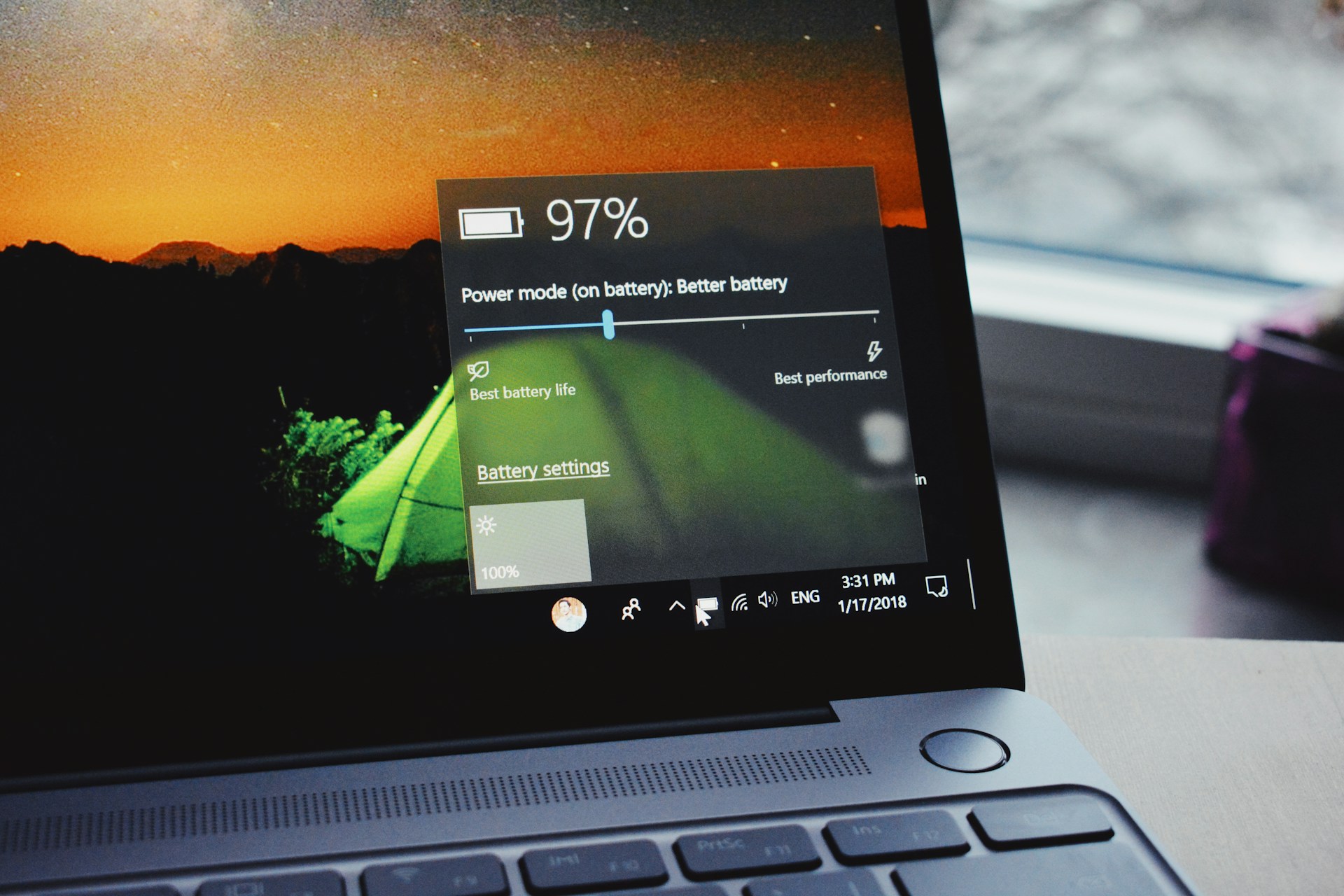
Buying a used laptop becomes confusing when every product page treats more features as automatically better. The useful starting point is simpler: decide how the device will serve school, work, browsing, coding, or travel at a lower purchase price, then compare only the specifications that affect those jobs. Price still matters, but so do comfort, support, compatibility, and the cost of owning the product for several years. Shoppers who want more background can consult additional laptop research, but the final decision should stay tied to real usage rather than hype.
Five Places to Compare for Lower-Cost Laptops
A practical comparison begins with battery health, SSD health, keyboard and ports, display condition, charger, BIOS or account locks, and warranty or returns. Those factors create a much clearer shortlist than sorting by the newest model or the biggest headline number. The five companies or buying channels below represent different approaches to the category. They are not ranked from best to worst; use them as reference points for matching features, support, and ownership tradeoffs to your own priorities.
1. Dell Outlet
Dell Outlet is better described as certified refurbished than ordinary used, which can appeal to buyers who want lower pricing with a clearer warranty path. It is worth comparing against peer-to-peer used options when support matters more than achieving the absolute lowest price.
2. Lenovo Outlet
Lenovo Outlet inventory can include discounted and refurbished Lenovo systems, giving buyers a manufacturer-linked alternative to local used listings. Availability changes, so the useful comparison is configuration, warranty, and condition rather than waiting for one exact model name.
3. Back Market
Back Market provides refurbished laptops from marketplace refurbishers with condition grading and warranty terms. It can reduce some of the uncertainty of buying from an individual, but shoppers should still compare the actual seller, battery expectations, included charger, and return policy.
4. eBay
eBay offers both ordinary used laptops and refurbished listings from many sellers. That variety can produce strong deals, but buyer diligence matters: inspect photos, read condition notes, check seller feedback, confirm returns, and verify the exact CPU, RAM, SSD, display, and charger.
5. Swappa
Swappa is a marketplace for used technology where listings are tied to individual devices and sellers. It can be useful for price comparison, but as with any used purchase, ask about battery health, physical damage, repairs, and whether the laptop is fully reset and ready for a new owner.
Condition Is Part of the Specification Sheet
Before paying, write down the three tasks the used laptop must handle well and the two frustrations you most want to avoid. That simple list keeps optional extras from becoming false requirements. Use used-device research as supplementary reading, then verify the exact model, warranty, compatibility, and return terms with the seller or manufacturer before checkout. If two options meet the same core need, prefer the one that is easier to own: simpler support, appropriate capacity, sensible accessories, and fewer compromises you will notice every day.
A second useful test is to compare the total setup rather than the product alone. Accessories, subscriptions, adapters, replacement parts, service plans, and future upgrades can change the real cost. Buying a slightly less ambitious device can be smarter if it avoids expensive add-ons or gives you a better fit for your routine.
Frequently Asked Questions
What should I test first on a used laptop?
Check that it boots normally, charges correctly, connects to Wi-Fi, recognizes the battery, and has no account or firmware lock. Then test the keyboard, trackpad, webcam, speakers, USB ports, display, storage health, and sleep or wake behavior before the return window closes.
How much battery wear is acceptable?
There is no single perfect number because price and replacement cost matter. A worn battery can still be acceptable in a cheap laptop used mostly at a desk. For travel, battery health becomes much more important, and replacement cost should be included in the purchase decision.
Is an older premium laptop better than a new budget laptop?
Sometimes. An older business or premium machine may offer better build quality, keyboard, ports, and display, while a new budget laptop may provide a fresh battery, newer efficiency, and full warranty. Compare condition, processor generation, repair cost, and support rather than age alone.
Inspect Condition Before Celebrating the Price
The strongest buying decision is the one you can explain in plain language: what problem the product solves, which features matter, and which features you deliberately ignored. With used laptops, condition and support are specifications too; treat them with the same weight as RAM and processor speed. If you want another perspective before spending, pre-owned laptop guidance can support your comparison, but the last check should always be your own workload, budget, and tolerance for compromise.